AI Singing Video from a Photo: Real Example
Last updated:
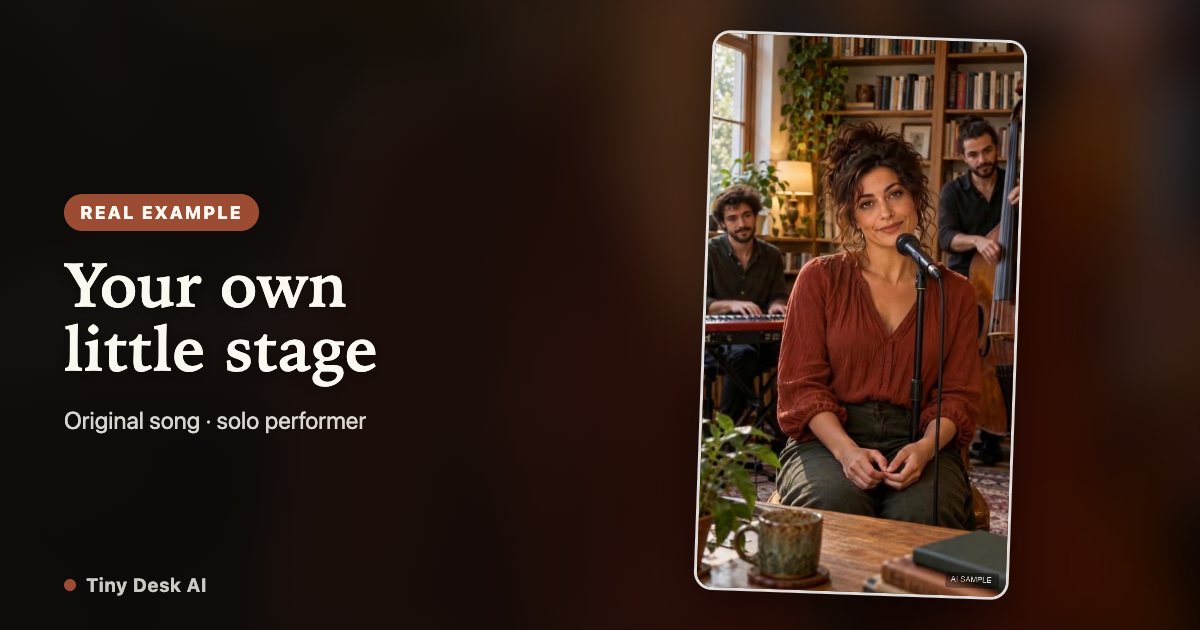
A singing photo can mean several different things. This example puts one adult portrait into a moving solo performance, while keeping an original template song and voice.
One portrait, one actual performance
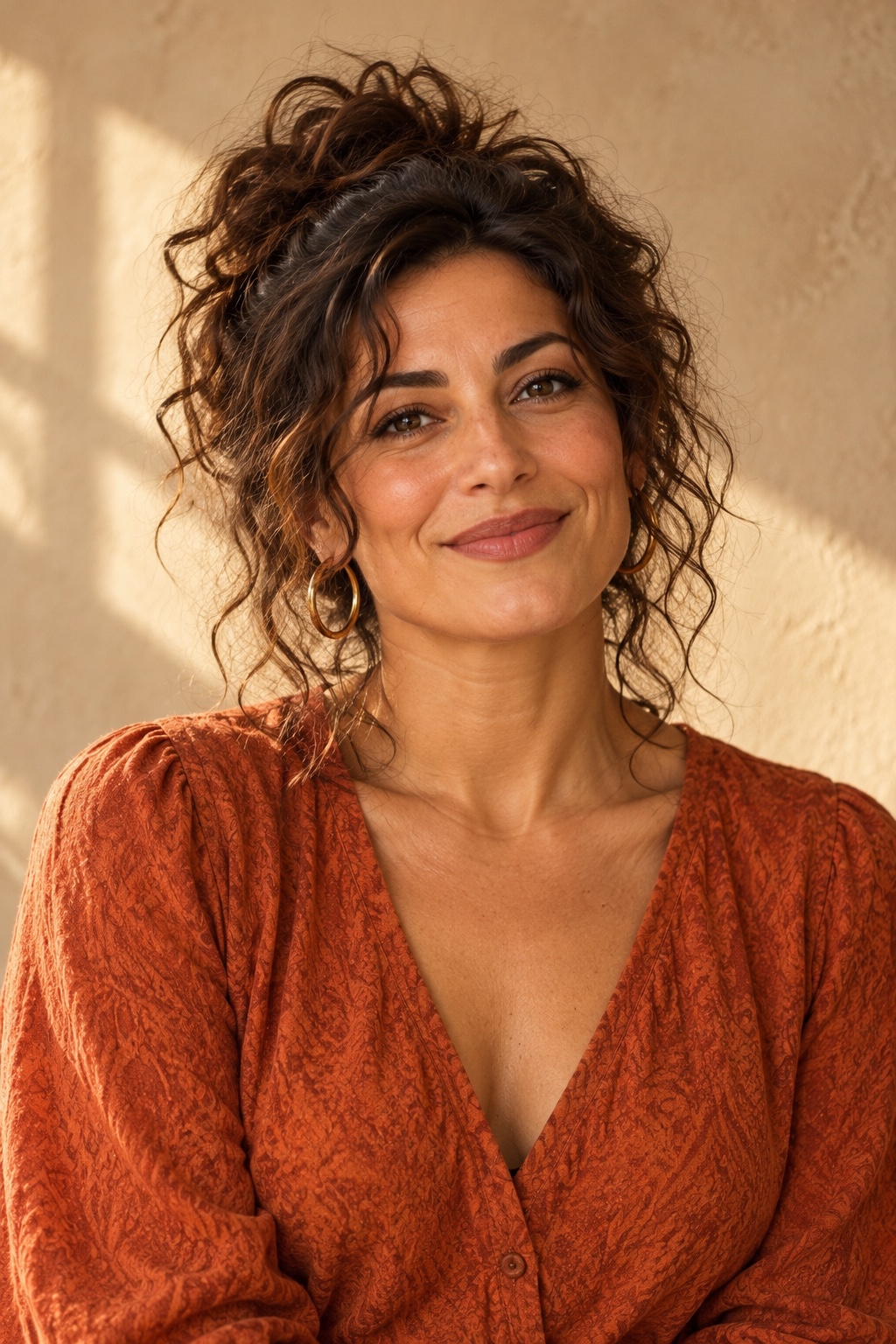
Input: fictional adult
Actual AI result · 15.03s
What changes when the portrait becomes the singer
Compare the portrait above with the performer in the video. The lead appearance changes, while the room, stage outfit, camera framing and musical performance follow the fixed scene. Background musicians are part of that scene; they are not extra upload slots.
This is useful if you want a short creative version of yourself on a small stage without filming a performance. It is not evidence that you sang the song, played the instruments or attended the scene.
A photo supplies appearance, not a voice
A photograph cannot supply a recording of your voice. This version keeps the template singer and accompaniment. You do not upload an audio track, type new lyrics or choose a commercial song.
If your main goal is lip-syncing your own recording, a talking avatar with a script or a particular song, choose a tool that explicitly supports that input. Listen to our sample first so that the fixed audio is a deliberate choice.
Choose a portrait you can recognize in motion
Start with one adult, a visible full face and an unfiltered recent image. Even lighting makes the eyes, nose and mouth easier to assess. A straight or lightly turned face is a more practical first attempt than a profile hidden behind a microphone.
If two photos look equally suitable, prefer the sharper one rather than the more dramatic background. The photo background will not become the concert room, and the uploaded outfit does not define the stage outfit.
Use only yourself or another consenting adult. Do not use children, public figures or an unrelated person’s image. A photo posted in a comment is not permission to make a video of that person.
What you buy and how long it takes
The current delivery is approximately 15 seconds at 720p, in a 9:16 MP4 with sound. Each generation uses 15 credits. One-time packs start at $9.90; applicable taxes are displayed at checkout.
Allow around 10 minutes or longer. Download and private playback are part of the result flow. New renders can be temporarily unavailable when capacity is reached; that is different from a finished file being ready.
The public example is one tested output with fictional adults. It does not establish a success rate or promise a perfect face match for your portrait.
A quick decision before you upload
This format fits a single-person concert joke, a playful personal reveal or a short clip you choose to send to friends. The fixed song, room and voice should be part of the effect you want.
Check the full sample, decide whether the sound and likeness suit your idea, and read the purchase steps before generating. If you need several people or new music, the current product has a different scope.
Your little stage is ready.
Create your performance